Sub-Zero, Wolf, and Cove Connected Appliance PIN Location
Topics:
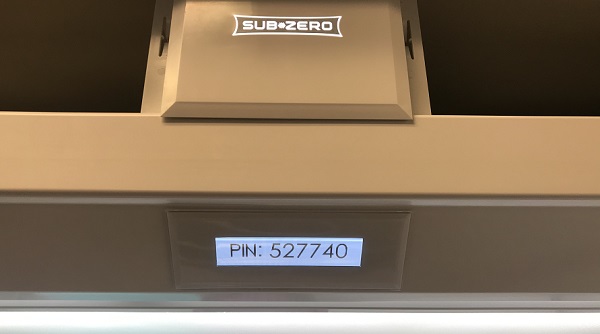
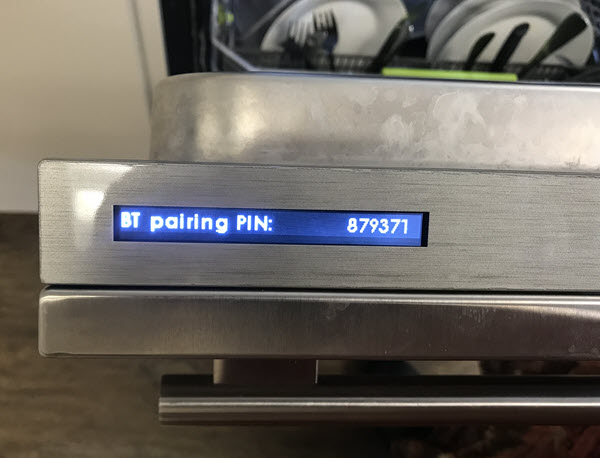
- Where does the PIN number appear on a connected product?
- How to find the PIN code number
- What is the PIN access number on a connected product?
Answer:
Pin Location
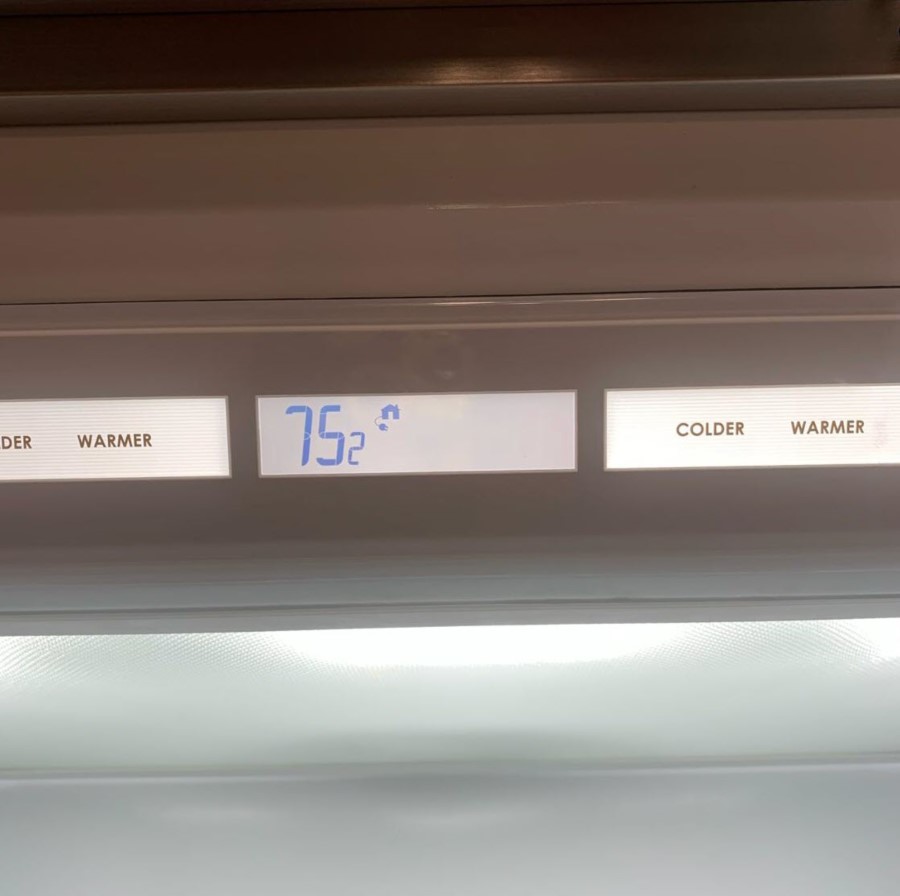
The 6-digit PIN on a connected product appears on the appliance display to securely connect the appliance. Refer to the table below for images and troubleshooting.
If the pin does not appear in the location shown below, refer to Connected Appliance Does Not Show PIN.
- A PIN will not appear if the correct software version is not available on the appliance. If this happens, contact Customer Care for assistance at 800-222-7820.
- For a list of which appliances can connect, refer to Connected Ready Appliances.
Pairing Process Troubleshooting
- Pair a Connected Appliance for step-by-step pairing instructions
- Connected Appliance Pairing Troubleshooting
- Sub-Zero Group Owner's App Stuck in Setup
- showcase:Water Products,K80554128,Connect Cove Appliance to Sub-Zero Group Owner's App
| Product | Image |
|---|---|
Sub-Zero Designer Series (IT, ID, IC)
|  |
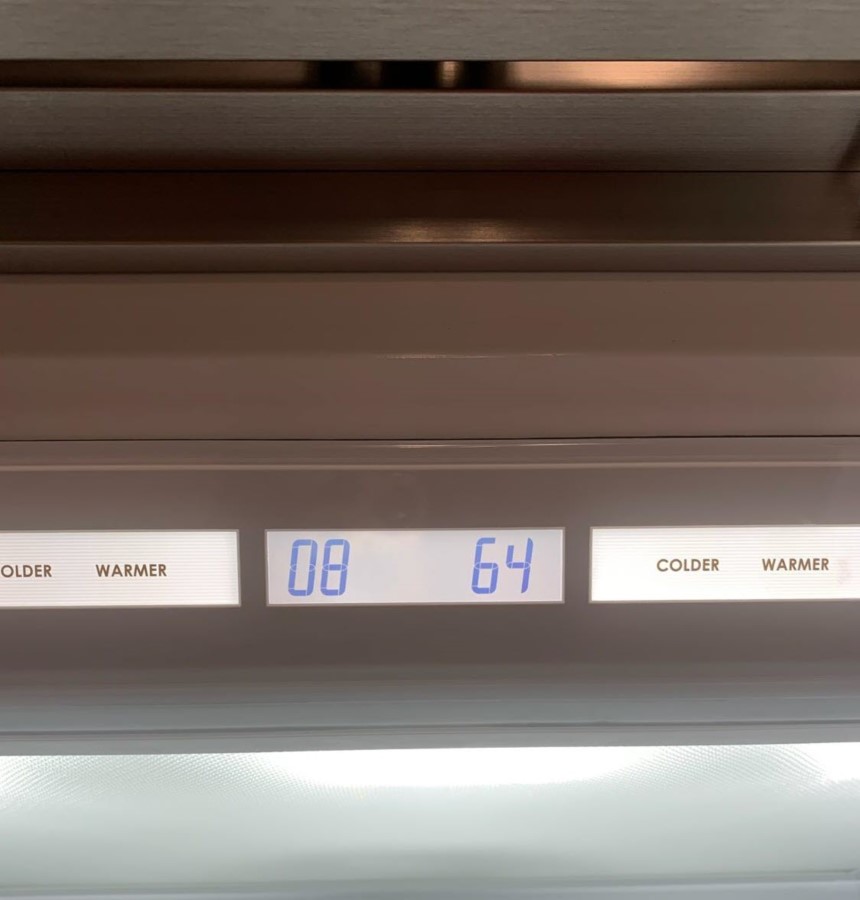
Sub-Zero Classic Series (BI)
|
|
| Wolf Wall Oven | 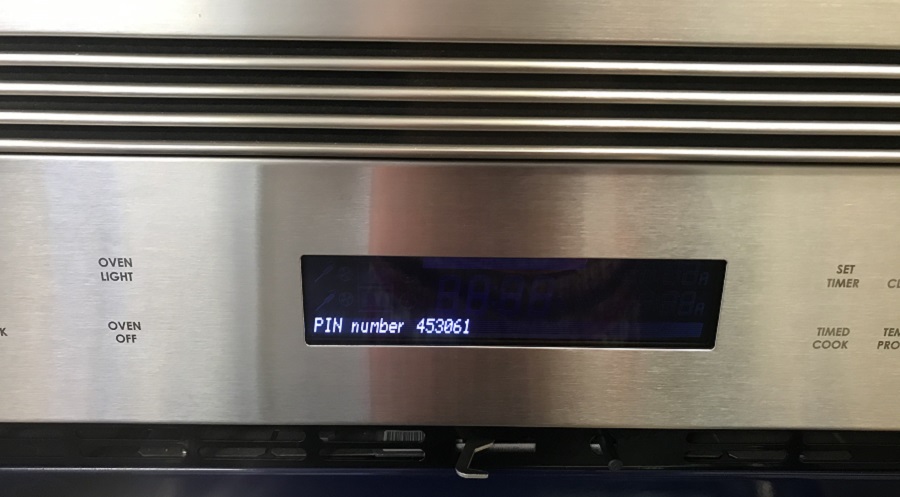 |
Cove Dishwasher
|  |
Contact the Sub-Zero Group Customer Care Team for further assistance at [email protected], or call (800) 222-7820, Monday-Friday, 8:00 a.m. - 5:00 p.m. CST.
DID THIS ANSWER YOUR QUESTION?

We're standing by with answers
Whether you're shopping for appliances or have questions about those you already own, we've got the resources you need. Talk directly to a customer care expert at the Sub-Zero, Wolf, and Cove service center, or connect with an appliance consultant at an official showroom near you. Get quick answers online, or reach a certified service provider or installer. And much more.
Call us at (800) 222-7820